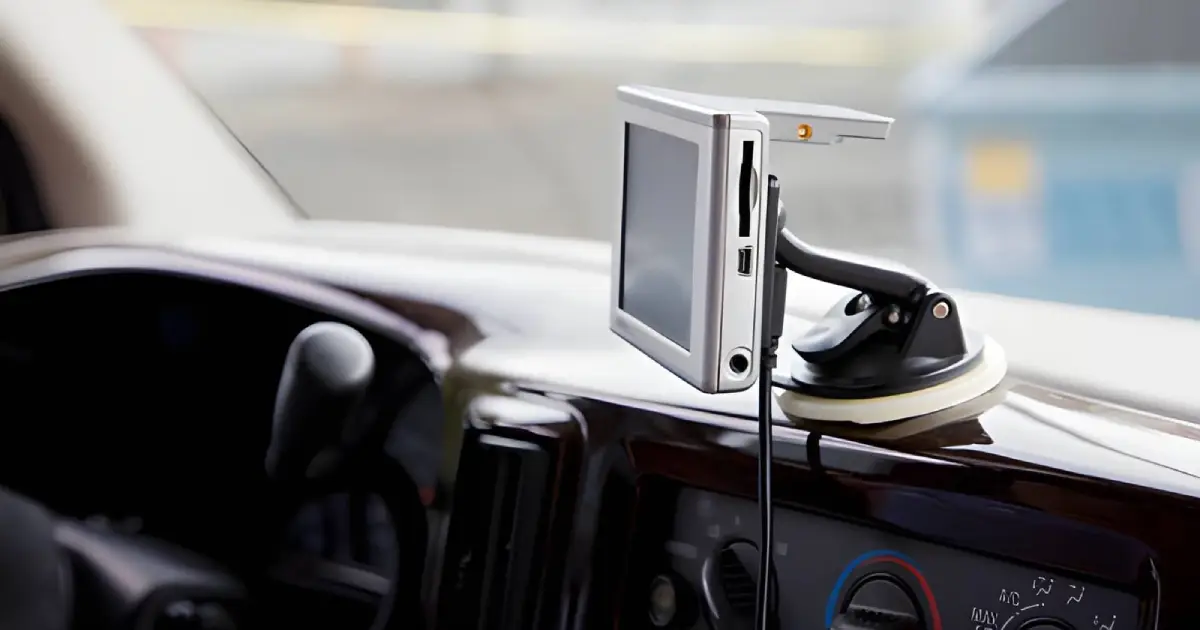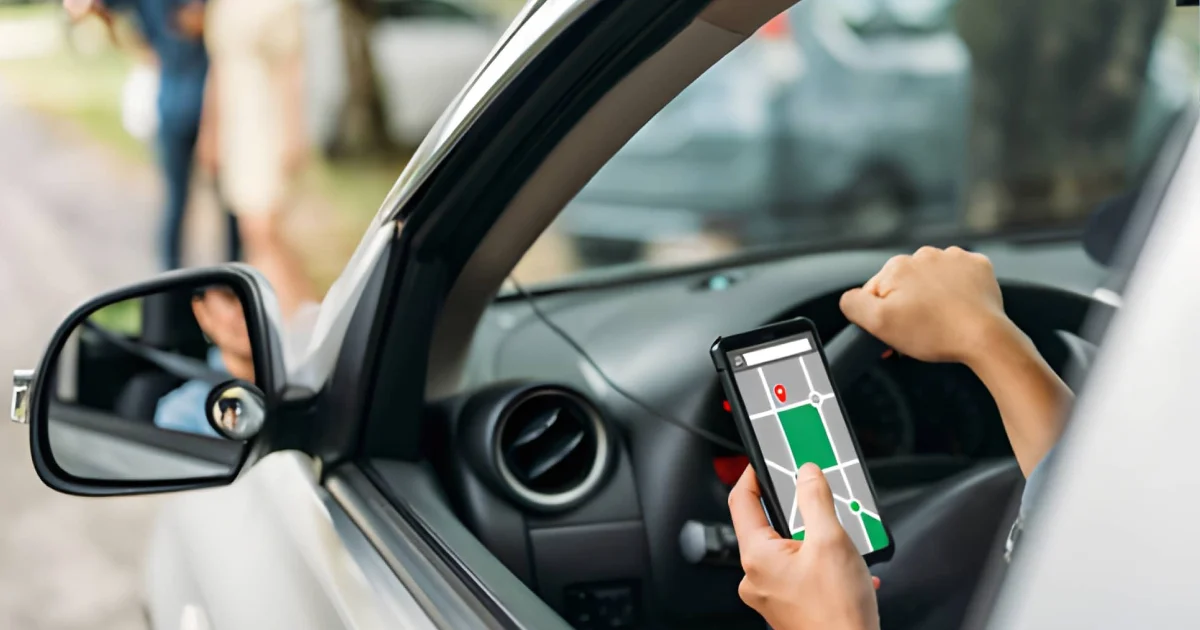
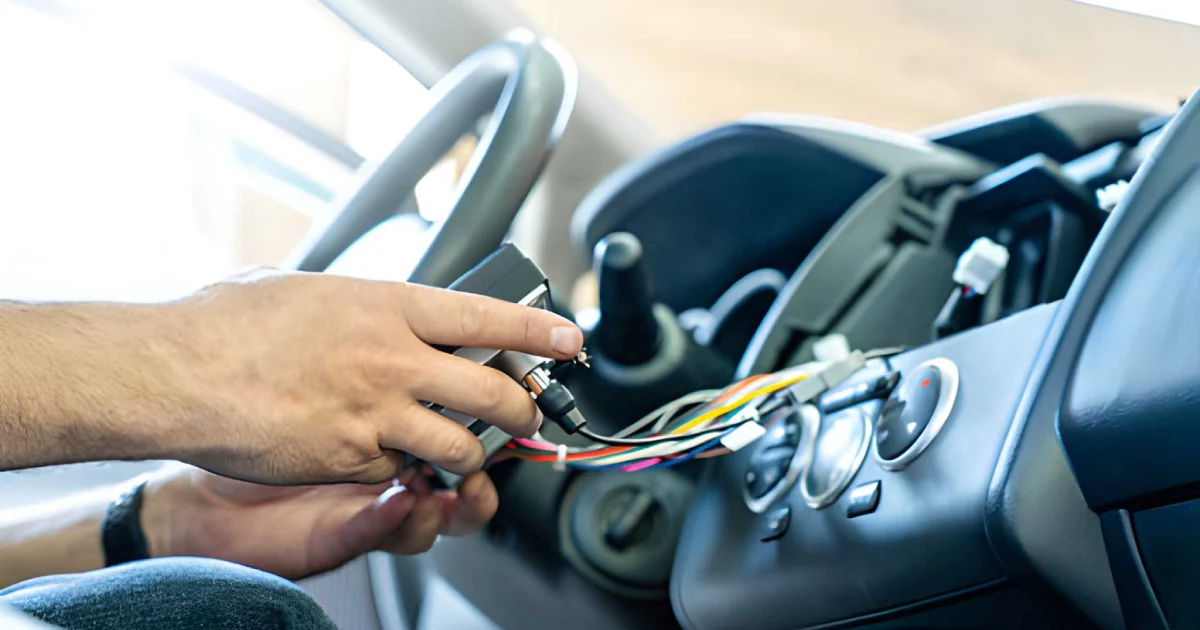
Installing a GPS tracker in your car is one of the most effective ways to ensure vehicle security and monitor its location in real time. Whether you own a personal car or manage a fleet of vehicles, understanding how to properly install a GPS tracker can save time, prevent errors, and provide reliable tracking performance. This step-by-step guide explains everything you need to know to install a GPS tracker safely and efficiently in the UAE.
Why You Should Install a GPS Tracker in Your Car
Car theft and unauthorized use are major concerns in the UAE. Installing a GPS tracker provides several benefits:
- Real-Time Vehicle Tracking: Know exactly where your car is at all times.
- Theft Prevention: Receive alerts if the vehicle moves without permission.
- Route Optimization: Track travel routes for fuel efficiency.
- Fleet Management Support: Monitor multiple vehicles if you manage a fleet.
Additionally, modern GPS trackers provide insights into driving behavior, fuel consumption, and maintenance schedules, making them an essential tool for both personal and commercial use.
Types of GPS Trackers
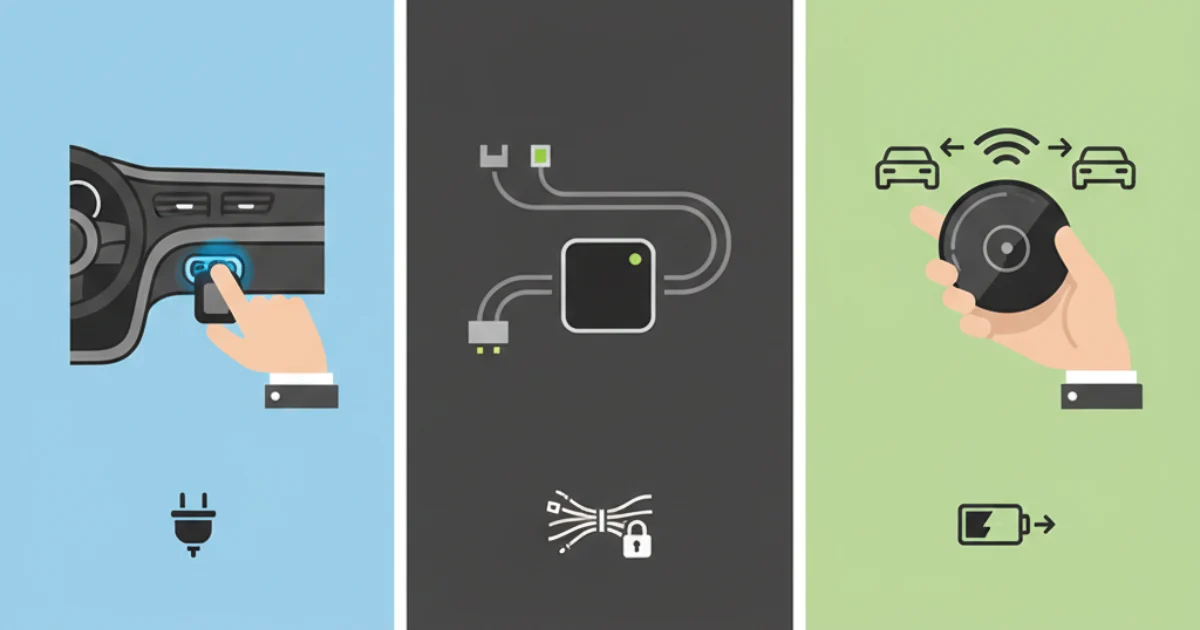
Before installation, it is important to choose the right type of GPS tracker for your car. The main types include:
- OBD-II GPS Trackers
- Plug directly into the OBD-II port.
- Easy to install and remove.
- Provides vehicle diagnostic data along with tracking.
- Hardwired GPS Trackers
- Connected directly to the car’s electrical system.
- Permanent installation with continuous tracking.
- Suitable for long-term monitoring or fleet vehicles.
Portable GPS Trackers
- Battery-operated and easy to move between vehicles.
- Ideal for temporary or occasional monitoring.
Selecting the right tracker is crucial for effective installation and optimal performance.
Step-by-Step GPS Tracker Installation Guide
Step 1: Choose the Location
Decide where the GPS tracker will be installed. For OBD-II trackers, this is usually under the dashboard. Hardwired trackers are often hidden in areas like behind the glove compartment or under the seats to prevent tampering.
Step 2: Read the Manual
Always follow the manufacturer’s instructions. Each GPS tracker may have specific installation requirements and wiring diagrams.
Step 3: Connect the Power Source
For OBD-II trackers, plug into the OBD port. For hardwired devices, connect to the car’s battery or fuse box. Ensure that connections are secure to avoid power interruptions.
Step 4: Secure the Device
Use screws, double-sided tape, or brackets to secure the tracker. Make sure it is not visible or easily accessible to prevent tampering.
Step 5: Test the Tracker
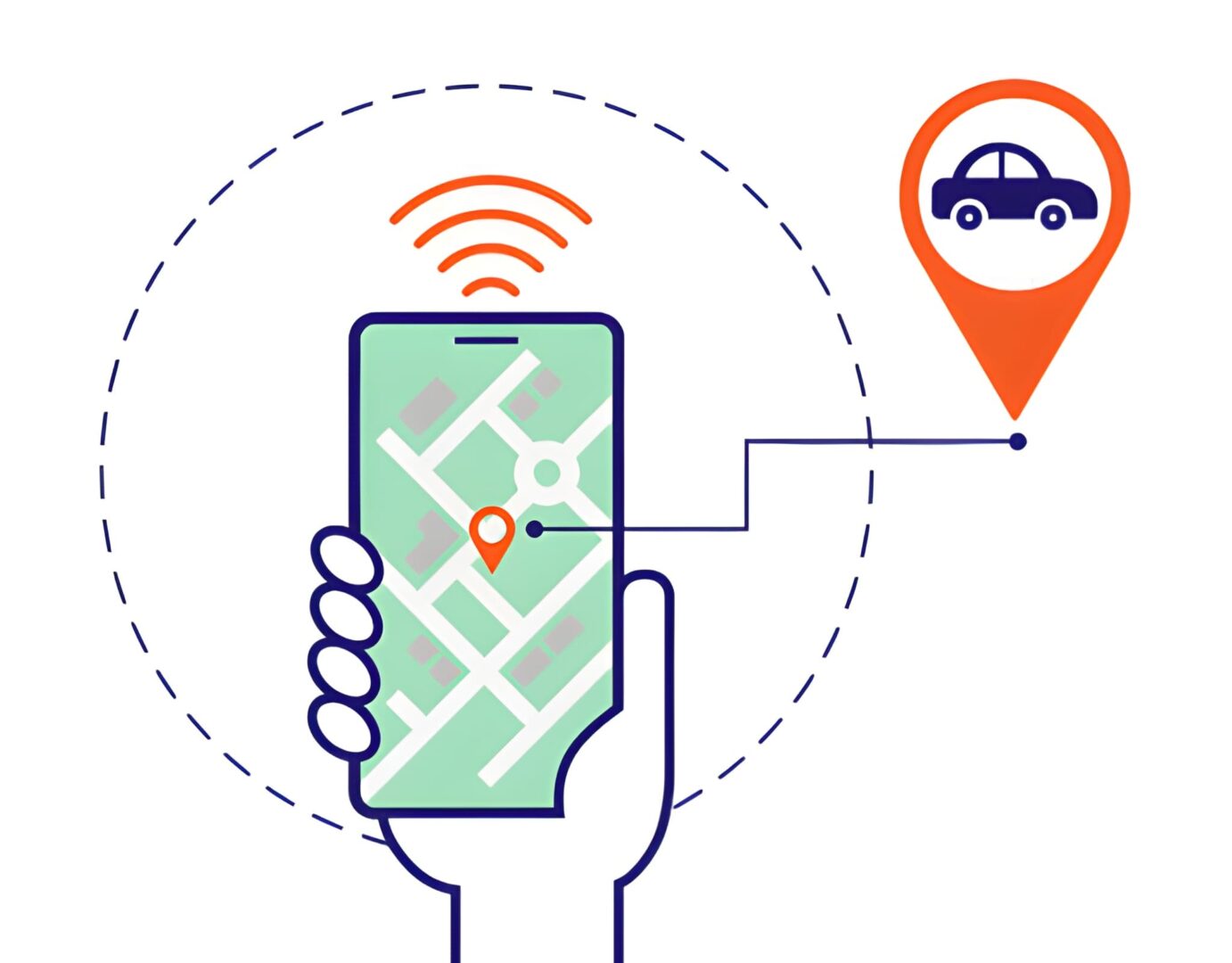
Turn on your car and verify that the tracker is transmitting location data. Use the mobile or web application to confirm that the GPS is active and accurate.
Step 6: Set Up Alerts and Geofencing
Configure geofencing and notifications on the tracking platform. This will alert you if your car leaves a designated area or if unusual movement is detected.
Tips for a Successful Installation
- Avoid areas with metal shielding that can interfere with GPS signals.
- Keep wires away from moving parts to prevent damage.
- Regularly check the tracker for battery levels (for portable devices).
- Use RTA and ITC-approved GPS trackers for compliance in UAE.
For more details on compliant devices, you can explore Vehicle Tracking Solutions.
FAQs – How to Install a GPS Tracker in Your Car
1. How do I install a GPS tracker in my car?
Follow the step-by-step guide: choose the location, connect the power source, secure the device, and test it on your tracking app.
2. Can I install a GPS tracker myself?
Yes, OBD-II and portable trackers are easy to install. Hardwired devices may require professional installation for safety and accuracy.
3. Do GPS trackers work in all cars in UAE?
Most GPS trackers are compatible with all cars in UAE. Ensure the device is RTA and ITC approved for compliance.
4. How do I test if the GPS tracker is working?
Turn on the car and check the tracking app or web dashboard to confirm the location updates in real time.
5. Can a GPS tracker prevent car theft?
Yes, modern trackers provide alerts for unauthorized movement and geofencing, helping recover the vehicle quickly if stolen.
Conclusion
Installing a GPS tracker in your car is straightforward when you follow the right steps. By choosing the correct tracker, securing proper installation, and setting up alerts, you can ensure your vehicle is safe and efficiently monitored. Whether for personal use or fleet management, a GPS tracker provides peace of mind, improves vehicle security, and adds valuable operational insights. Explore Vehicle Tracking Solutions to find the best devices for your needs in the UAE.